 Elphamatt
Order now:
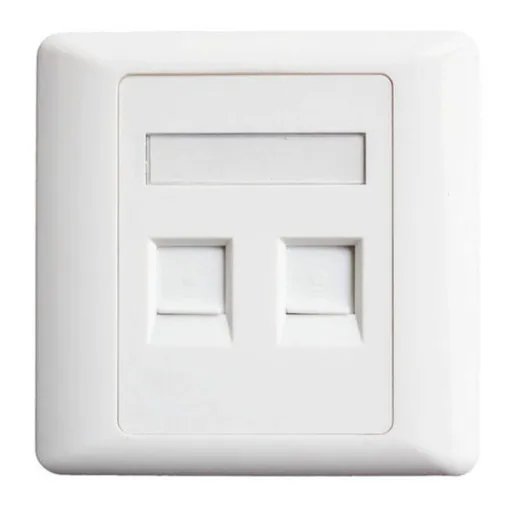
A 2‑port face plate is a standard wall‑plate with two openings (ports) sized to accept “keystone” style modules. For example:
One face plate from Nedis is described as “Flush‑mounted Wall Outlet for 2 Keystone Modules” with dimensions 86 × 86 mm. Nedis+1
Another, the Hikvision DS‑1FPA2 2‑port face plate, lists “Total Ports: 2” and dimensions 86 × 86 × 14.5 mm. Hikvision
Essentially it’s a low‑voltage enclosure accessory that gives you a clean, professional wall‑mounted outlet for two connectors.
Install at a workstation or wall location to provide two network data ports (e.g., two RJ45 Cat6 jacks) for a PC and IP phone.
Provide one voice port + one data port in offices or hotel rooms (e.g., RJ11 + RJ45).
Multimedia outlet: two different types of connectors (e.g., HDMI + USB) in one plate.
Structured cabling in homes, offices, data closets: it helps keep the wiring neat and modular.
Retrofitting older installations: replace a blank wall plate with a 2‑port version to add further functionality.
When selecting a 2‑port face‑plate, some of the important features include:
Port count: Exactly two keystone‑sized cutouts/ports. (i.e., “2 ports”) Legrand US+1
Keystone compatibility: Accepts standard keystone modules (14.5mm × 16mm typical) so you can mix & match types (RJ45, HDMI, USB, etc). Wikipedia+1
Material & finish: Commonly made of ABS or PC plastic, often flame‑rated (UL94 V‑0 or V‑2) for safety. Example: the DS‑1FPA2 uses ABS UL94V‑0. Hikvision
Mounting/gang size: Usually “single gang” (one wall‑box opening) but with two ports. Example: “Single Gang White Faceplate, 2 Keystone Cut‑outs”. Tripp Lite+1
Dimensions: Common size ~86mm × 86mm (or 2.75” × 4.5”) to fit standard boxes. Example: 86×86×14.5 mm for one model. Hikvision
Extras: Some include features like:
Shutter or dust‑cover for each port to protect unused ports. Hikvision
Label windows/icons to identify connectors (e.g., “Computer” / “Telephone”). Legrand US
Hidden or screw‑cover design for aesthetics. Panduit
Back box compatibility: Ensure the face plate matches your electrical or low‑voltage box (depth, screw spacing).
Connector/module compatibility: Make sure the keystone modules you intend to use (Cat6 RJ45, HDMI, USB‑C, etc) fit in the ports.
Cable category & performance: If using for high‑speed data (Cat6A/10G), check that the face plate does not degrade performance (look for performance rating).
Finish / aesthetics: If installation is visible (office, guest room), pick a finish (white, ivory, curved face etc) that matches décor.
Labeling or icon support: If you need to identify ports (e.g., “Phone”, “Network”), get a plate with label windows or icons.
Dust protection: If port may be unused for long periods, a shuttered design helps keep dust out.
Future proofing: Consider if you may add more ports later; faceplates with more ports or modular frames might give flexibility.
Material quality & fire rating: For commercial installs ensure compliance with local regulations (e.g., UL, RoHS).
Installation ease: Some plates allow rear‑load modules (insert jacks before plate mounted) which can make installation easier. Legrand US
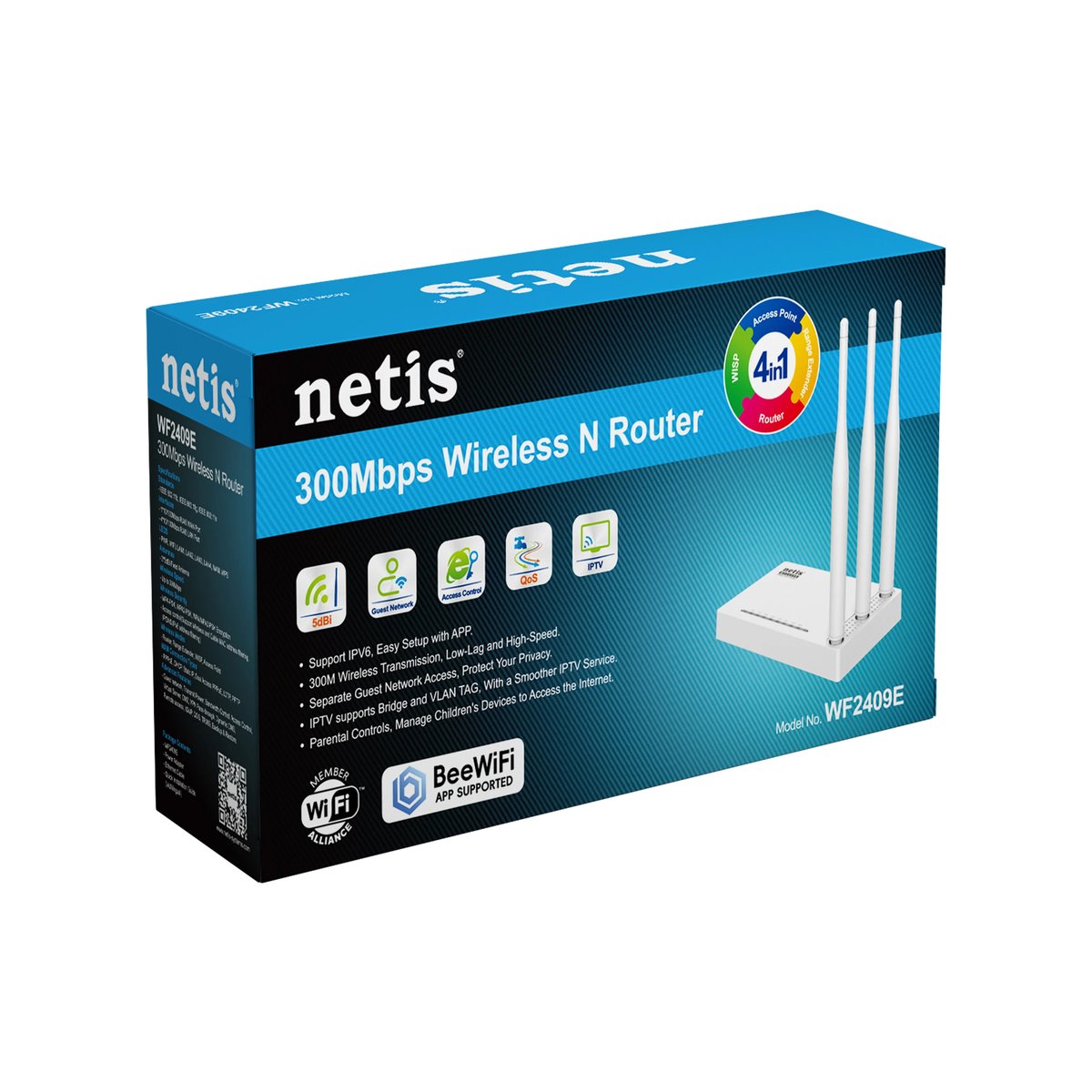
NETIS
Ksh 1700.0
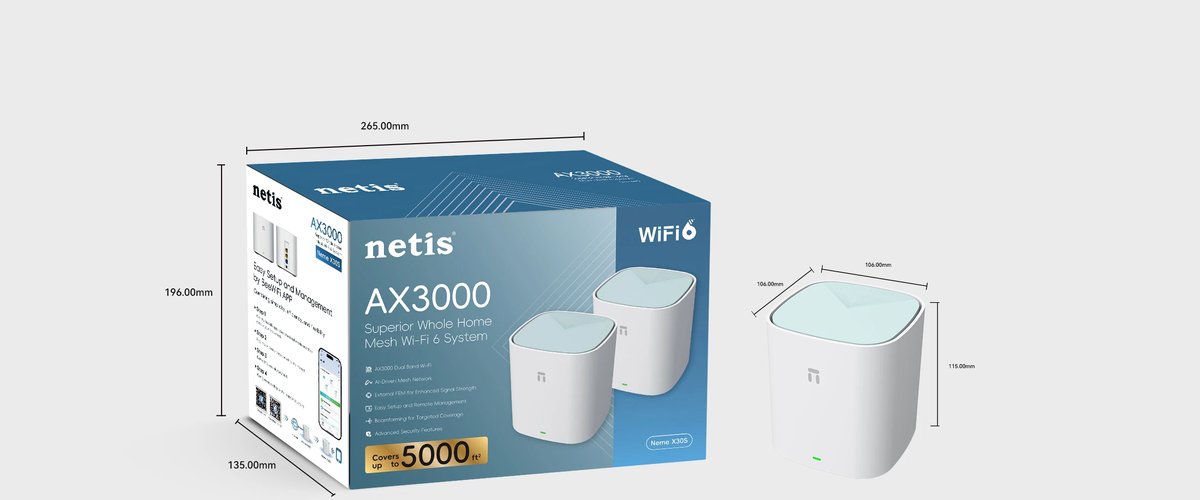
NETIS
Ksh 15000.0
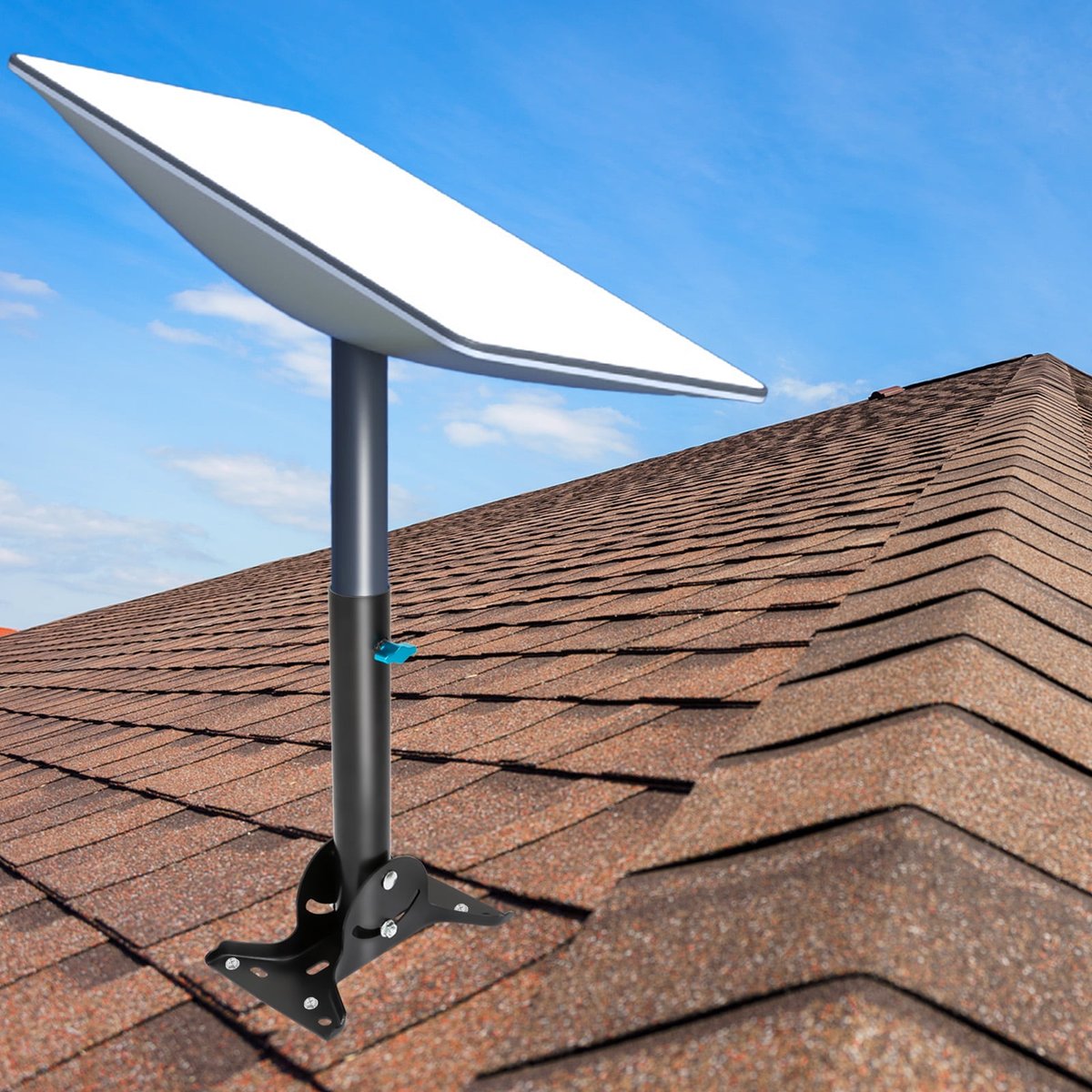
STARLINK
Ksh 10300.0
Page 3/17