 Elphamatt
Order now:
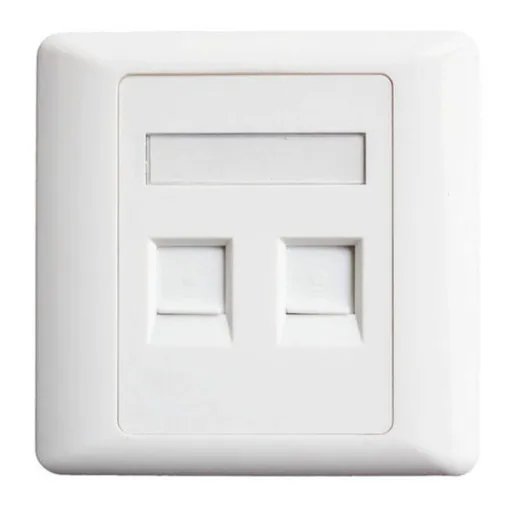
A 2‑port face plate is a standard wall‑plate with two openings (ports) sized to accept “keystone” style modules. For example:
One face plate from Nedis is described as “Flush‑mounted Wall Outlet for 2 Keystone Modules” with dimensions 86 × 86 mm. Nedis+1
Another, the Hikvision DS‑1FPA2 2‑port face plate, lists “Total Ports: 2” and dimensions 86 × 86 × 14.5 mm. Hikvision
Essentially it’s a low‑voltage enclosure accessory that gives you a clean, professional wall‑mounted outlet for two connectors.
Install at a workstation or wall location to provide two network data ports (e.g., two RJ45 Cat6 jacks) for a PC and IP phone.
Provide one voice port + one data port in offices or hotel rooms (e.g., RJ11 + RJ45).
Multimedia outlet: two different types of connectors (e.g., HDMI + USB) in one plate.
Structured cabling in homes, offices, data closets: it helps keep the wiring neat and modular.
Retrofitting older installations: replace a blank wall plate with a 2‑port version to add further functionality.
When selecting a 2‑port face‑plate, some of the important features include:
Port count: Exactly two keystone‑sized cutouts/ports. (i.e., “2 ports”) Legrand US+1
Keystone compatibility: Accepts standard keystone modules (14.5mm × 16mm typical) so you can mix & match types (RJ45, HDMI, USB, etc). Wikipedia+1
Material & finish: Commonly made of ABS or PC plastic, often flame‑rated (UL94 V‑0 or V‑2) for safety. Example: the DS‑1FPA2 uses ABS UL94V‑0. Hikvision
Mounting/gang size: Usually “single gang” (one wall‑box opening) but with two ports. Example: “Single Gang White Faceplate, 2 Keystone Cut‑outs”. Tripp Lite+1
Dimensions: Common size ~86mm × 86mm (or 2.75” × 4.5”) to fit standard boxes. Example: 86×86×14.5 mm for one model. Hikvision
Extras: Some include features like:
Shutter or dust‑cover for each port to protect unused ports. Hikvision
Label windows/icons to identify connectors (e.g., “Computer” / “Telephone”). Legrand US
Hidden or screw‑cover design for aesthetics. Panduit
Back box compatibility: Ensure the face plate matches your electrical or low‑voltage box (depth, screw spacing).
Connector/module compatibility: Make sure the keystone modules you intend to use (Cat6 RJ45, HDMI, USB‑C, etc) fit in the ports.
Cable category & performance: If using for high‑speed data (Cat6A/10G), check that the face plate does not degrade performance (look for performance rating).
Finish / aesthetics: If installation is visible (office, guest room), pick a finish (white, ivory, curved face etc) that matches décor.
Labeling or icon support: If you need to identify ports (e.g., “Phone”, “Network”), get a plate with label windows or icons.
Dust protection: If port may be unused for long periods, a shuttered design helps keep dust out.
Future proofing: Consider if you may add more ports later; faceplates with more ports or modular frames might give flexibility.
Material quality & fire rating: For commercial installs ensure compliance with local regulations (e.g., UL, RoHS).
Installation ease: Some plates allow rear‑load modules (insert jacks before plate mounted) which can make installation easier. Legrand US
Ubiquiti
Ksh 79000.0
Ubiquiti
Ksh 31000.0
Ubiquiti
Ksh 35000.0
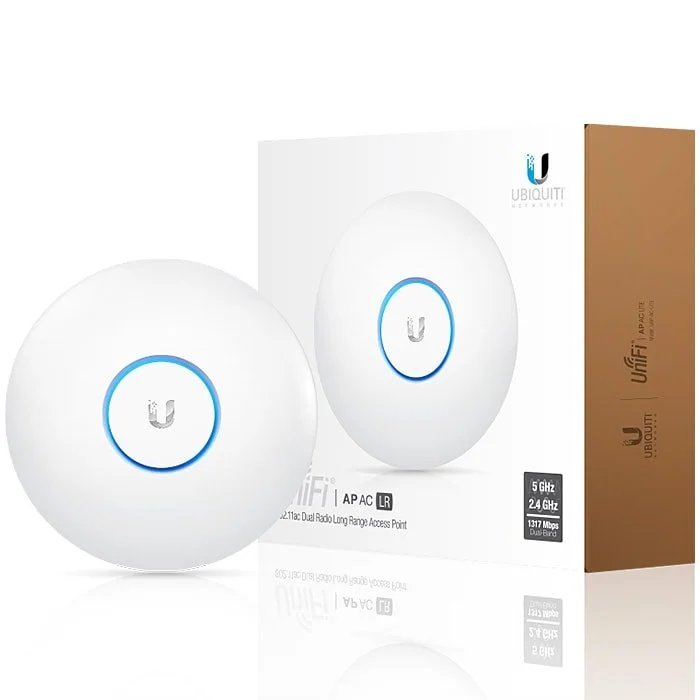
Ubiquiti
Ksh 29000.0
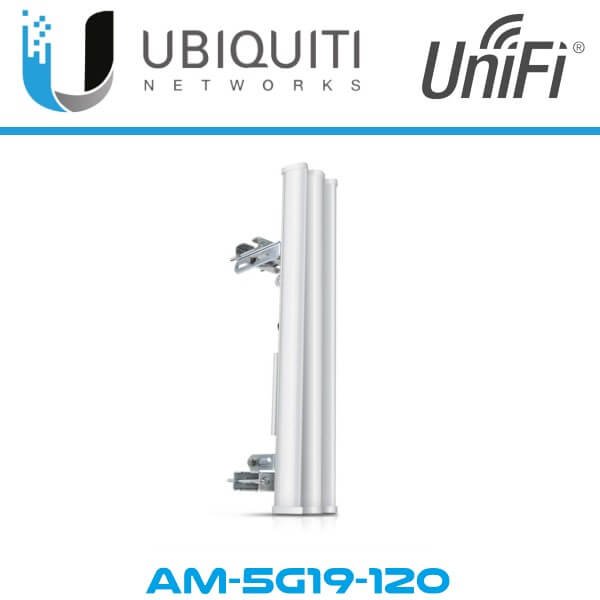
Ubiquiti
Ksh 22000.0
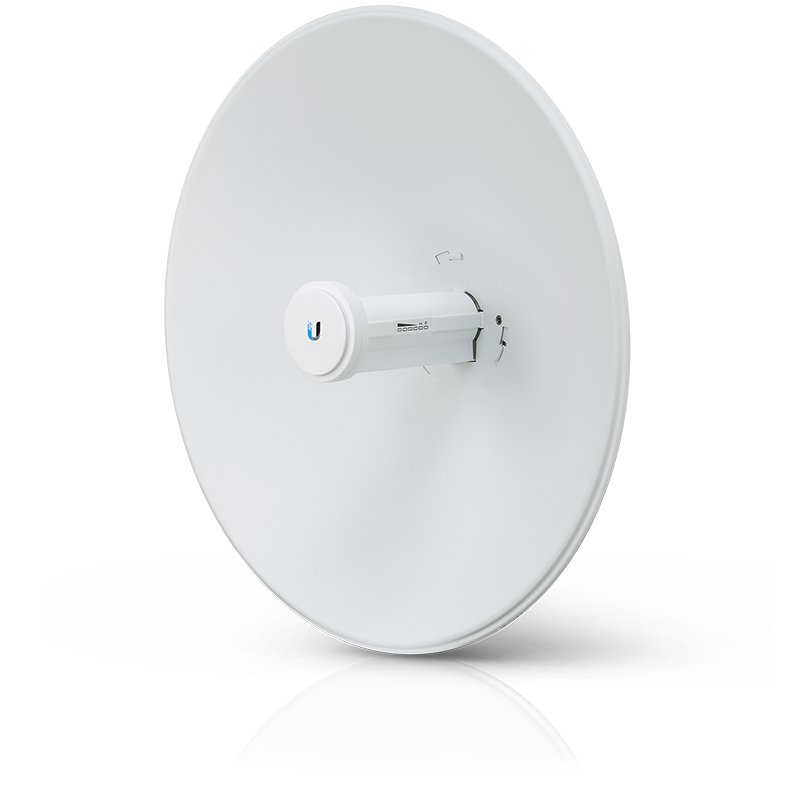
Ubiquiti
Ksh 23000.0
Page 4/17